Biology & medicine
Intracellular nanoparticle delivery
Connect a carrier cutaway to cellular uptake and cytoplasmic release.
Use this promptAI scientific figures · Built for researchers
Turn methods, model architectures, and biological mechanisms into figure drafts. Start with a description or reference images, then review and export as PNG or JPEG.
Explore selected templates from the full library, then adapt one to your research.
Connect a carrier cutaway to cellular uptake and cytoplasmic release.
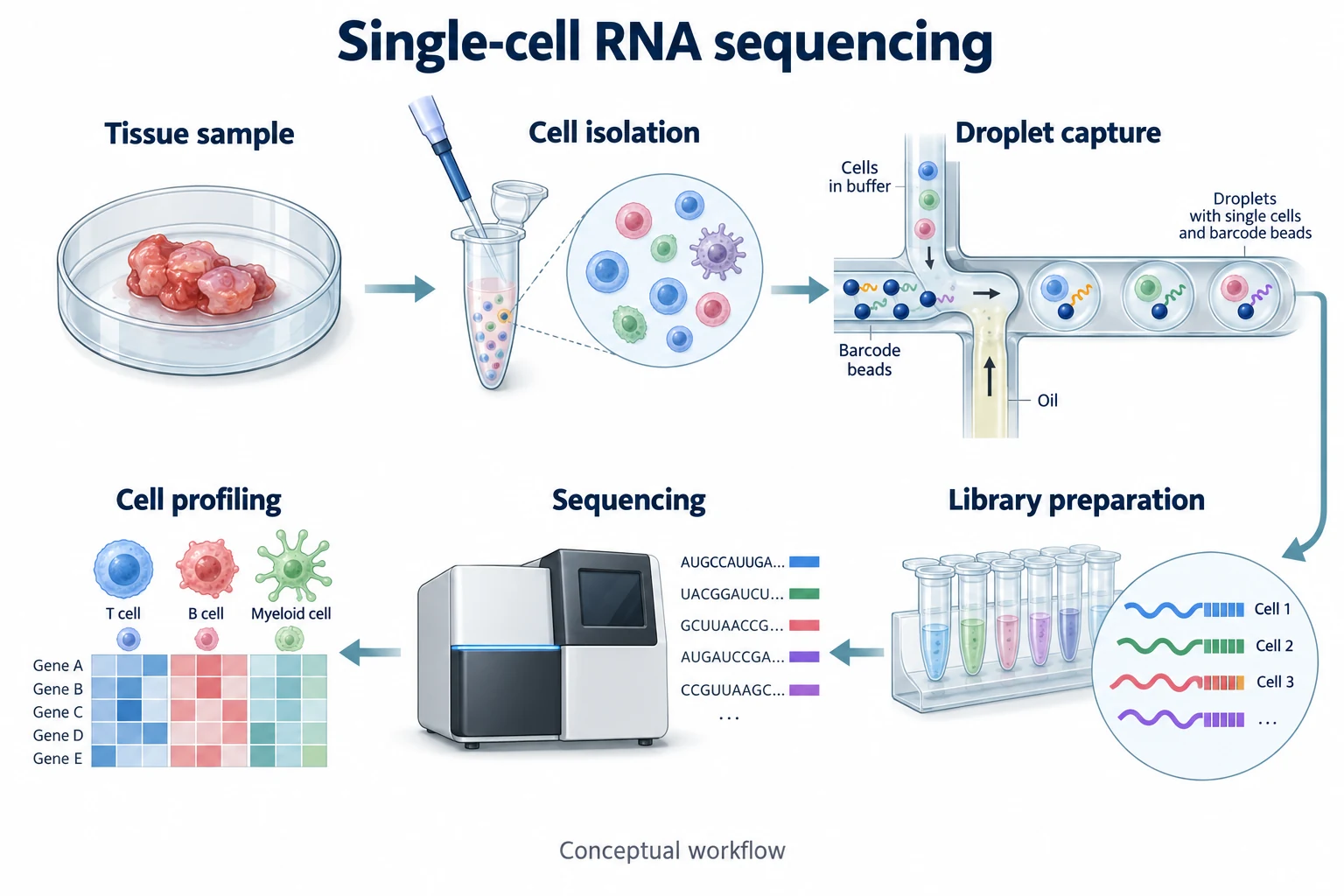
Use this promptLink preparation, pore structure and filtration in one reading sequence.
Use this promptCompare matched plants and connect leaf appearance to tissue detail.
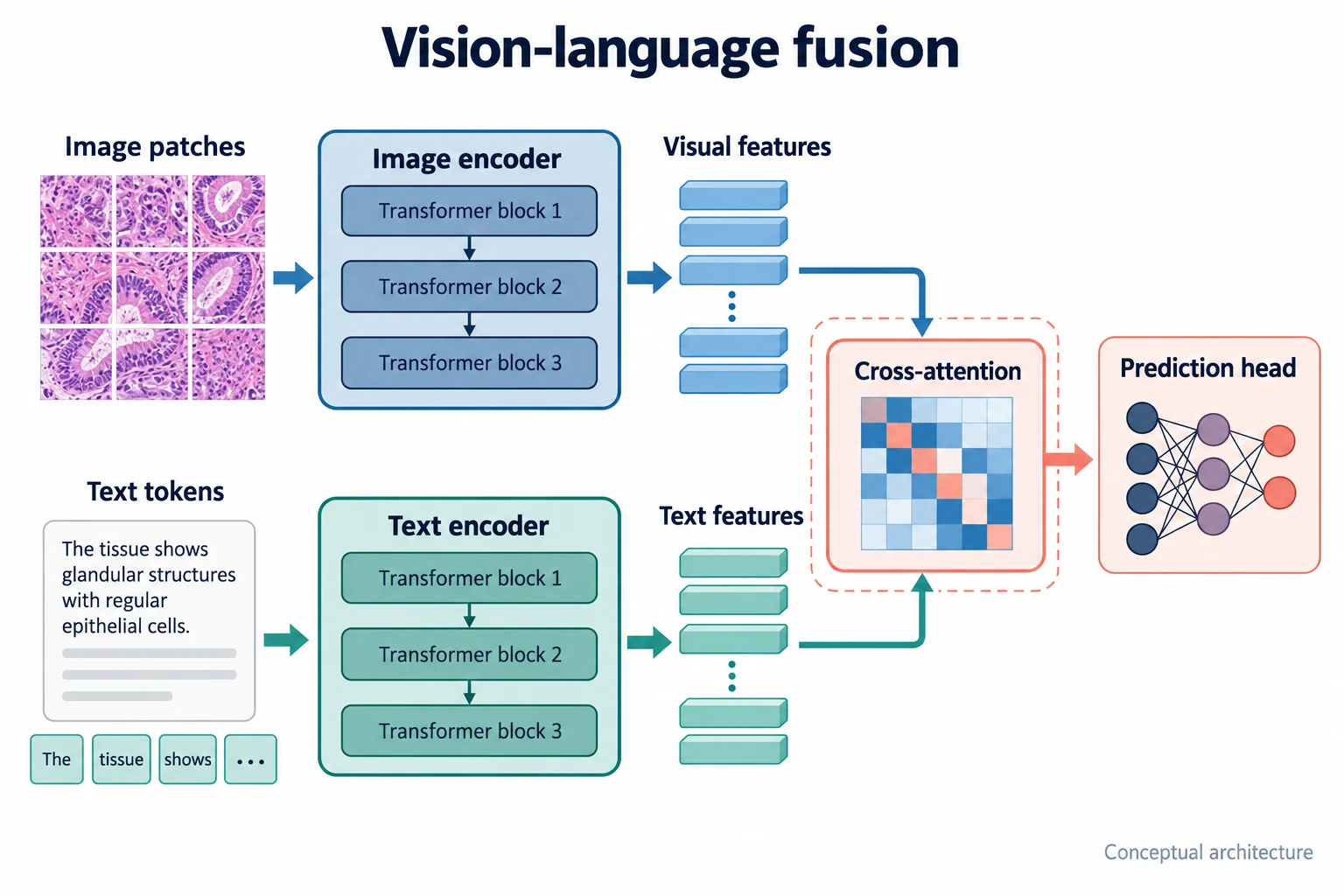
Use this promptBring two encoding branches into a shared fusion module.
Use this promptUse a molecular focal point and branches for distinct repair routes.
Use this promptConnect device architecture to tissue with a transparent cutaway.
Use this promptOriginal AI-generated concept previews. Use a template to open the graphical abstract maker with its example prompt. Adapt the content and review the science before generating.
MADE FOR RESEARCH
From a methods discussion to your next lab meeting, turn complex relationships into a visual starting point.
Map experimental steps and relationships before you refine the details for your manuscript.
Give your audience a visual path through the question, approach and next experiment.
Break down a mechanism or model into an illustration you can discuss and check together.
Sketch your study design and technical route for a thesis proposal or grant discussion.
A FEW THINGS TO KNOW
Understand the inputs, outputs and practical limits before you start.
Read the figure-making guideCreate drafts of experimental workflows, model architectures, and biological mechanisms. Start from a template or describe the elements and relationships you need. Review the scientific details before using your result.
Describe the scientific context, key elements, relationships, and layout. Include the exact wording of labels in your description and explain what each arrow represents. Submit only research you are authorized to share with generation providers.
Yes. After signing in, attach up to 3 reference images in PNG, JPEG or WebP format, with a maximum of 5 MB each. References guide the generation; they are not editable layers.
Export as PNG or JPEG with your chosen image width and DPI. Available output dimensions depend on the source image. Changing DPI does not add detail or make labels editable.
Exports are raster images. Individual labels and shapes are not separate editable objects. Update your description or references and generate another draft when changes are needed. Each new generation uses credits.
Treat the result as a draft. Verify the science and text, check the image at its final print size and follow your publisher’s disclosure and file requirements.
The current trial credit allowance and generation cost are shown in the studio when configuration is available. You can view one-time credit packs on the Pricing page.
A confirmed failed generation returns its credits. An uncertain submission is checked before it is declared failed. A retry is a new generation.
Projects and downloads require your account. Your description and any reference images are sent to the generation providers to produce the image. Check the retention information shown in the studio, and keep local copies of results you need.
FROM IDEA TO FIRST DRAFT
Bring your research question, a few key relationships and your own judgment. Start with a figure you can build on.